
- You are here:
- Home »
- Blog »
- Computer Technician Tools »
- FreshDiagnose – Benchmark and Diagnose A Computer
FreshDiagnose – Benchmark and Diagnose A Computer
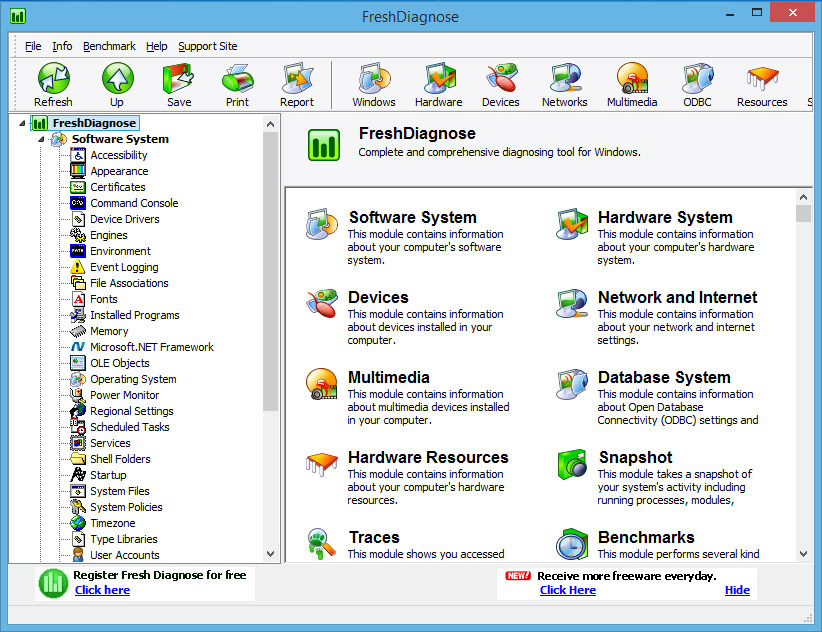
FreshDiagnose is a small, free utility designed to help you diagnose and benchmark a computer. It can display much of the standard information that applications like SIW display such as software, hardware, devices, network and multimedia information. However, FreshDiagnose shows a lot of information that SIW does not, making it the perfect partner for SIW, which is probably already in your utility kit.
The information that FreshDiagnose will list is far too extensive to list here, so I am going to list some of the features that FreshDiagnose does but SIW doesn’t.
Traces: (this part is spooky)
Executed Files – List of recently executed files and how it was opened (as in, from the start menu, directly etc.)
Windows History – List of files accessed
Search History – List of what has been searched for by Windows search
Run History – What has been typed into the Run menu
Open & Save History – What has recently been opened and saved
Recent Files – What has been recently accessed
Browser History – List of websites and computers recently accessed
Internet Cache – Shows content of internet cache
Internet Cookies – Shows currently saved cookies
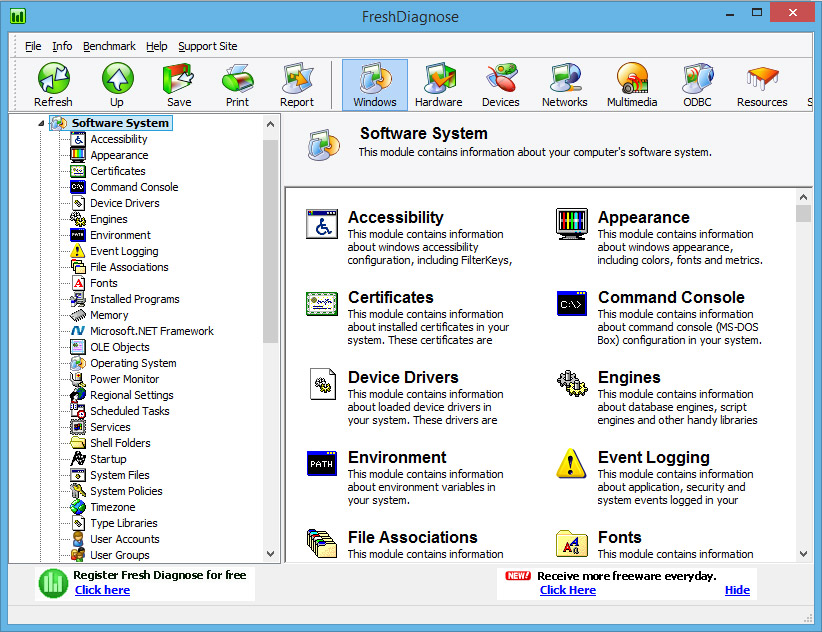
Software:
Appearance – Colors, fonts and metrics being used on the computer
Certificates – Shows installed certificates
Memory – Shows operating system memory and the memory manager
Shell Folders – Folders used by the operating system to store data
System Policies – Information about the systems policies and restrictions
Type Libraries – Shows information about registered type libraries in your system
User Accounts – Lists the user accounts and their configuration
User Groups – Lists the user groups and their configuration
Windows Updates – Information about updates and hotfixes installed on your system
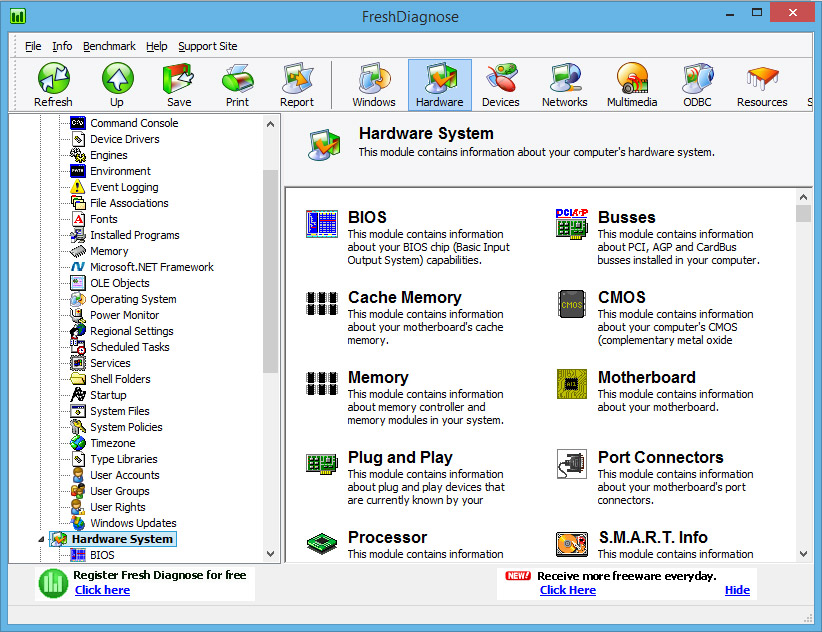
Hardware:
Battery – Displays information about batteries currently installed on the system
CMOS – Contains information about your computers CMOS
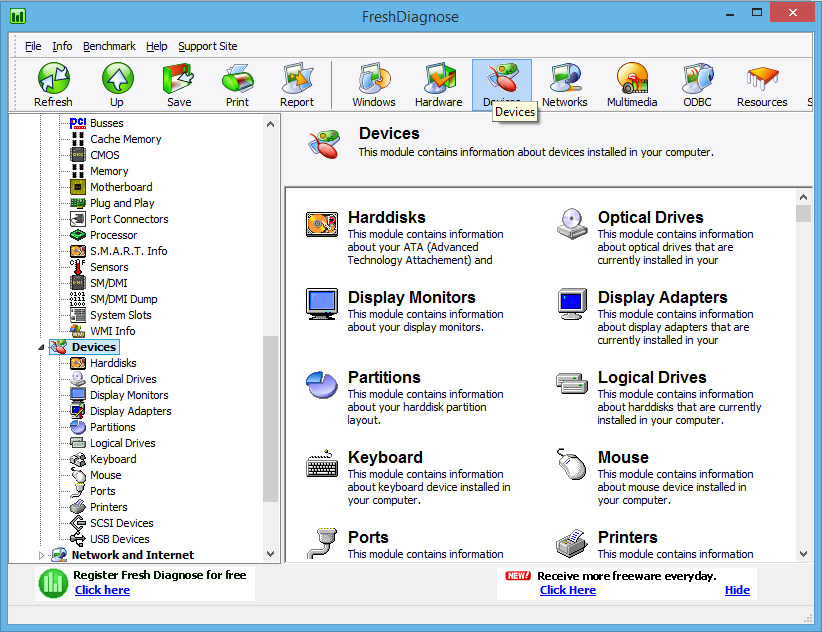
Devices:
Partitions – Displays partitions
Drive Information – Displays drive information, size, usage etc..
Keyboard/Mouse Information – Type, layout etc.
Network and Internet:
Winsock – Information about winsock version on your computer
Internet Settings – Current internet settings (cache, history, security, html editor etc.)
Internet Explorer Settings – Information about the version, start page, download folder, settings etc.
Internet Zones – Security settings in different zones
Browser Helper Objects – Extensions of IE, some of them spyware and adware
Mail Accounts – Mail settings
Mime Types – Shows what applications open certain extensions
Various Network Statistics – Shows ICMP, UDP, TCP, IP statistics
Snapshot:
Modules – Running modules on your system
Threads – Running threads on your system
Heaps – Heaps allocated on your system
Windows – Shows list of current visible and hidden windows.
Opened Shared Files – What files are currently opened by other computers in the network
Benchmarks:
Only down side of this application is you need to register it to use benchmarks. However, registration is free. Here are what you can benchmark:
Processor
Multimedia
Memory
Display
Harddisk
CD
Network
Note: This is not a full list of what FreshDiagnose does, this is just a list of what it does that SIW does not. Since most technicians here would already have SIW.
Screenshots:
Downloads:
Download from Official Site – 1.62mb
Session expired
Please log in again. The login page will open in a new tab. After logging in you can close it and return to this page.
thanks for this I will certainly try it out
This is a very nice program. I’ve used it a lot and recommend it for anyone diagnosing problems.
nice app,just hope it works as well as it looks.
Thanks a lot, i havn’t seen thos so far. I’ll give it a try.
Will run off a thumbdrive if you install it on your computer then copy the installation directory from your program files folder to your thumbdrive.
-Shannon