
- You are here:
- Home »
- Blog »
- Computer Technician Tools »
- CloseTheDoor – Port Scanning and Information Tool
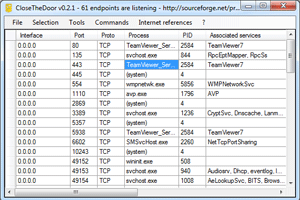
CloseTheDoor – Port Scanning and Information Tool
CloseTheDoor identifies the listening ports for TCP/UDP over IPv4/v6 and the associated program files. This can help a technician discover security holes and find leaks in a system. It can also find vulnerabilities to help diagnose and prevent future malicious attacks. On a basic level it is a great tool to see all open ports in a visual manner.
It’s amazing how many options are given to you within this program. CloseTheDoor condenses many tasks and command line programs within its simple menu system. This include information that you could find using NET commands, regedit, and services.msc, and well as Googling an unknown process.
Here is a list of some of the submenu items:
File:
- locate
- terminate
- process
Selection:
- Google port or process
- Wikipedia (search for Wikipedia entry)
- statistics
- grc.com port authority (search Gibson Research for info on a particular process)
Tools:
- services
- task manager
- net connections
- system configuration
- regedit
- local security settings
Commands:
- net stats
Features
- Enumerate all listening ports for IPv4/IPv6
- Gather informations about the listening ports
- Ability to disable potentially dangerous ports
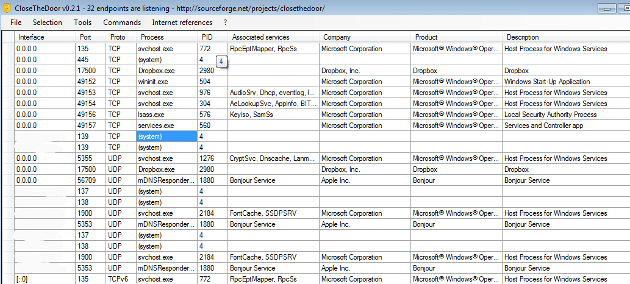
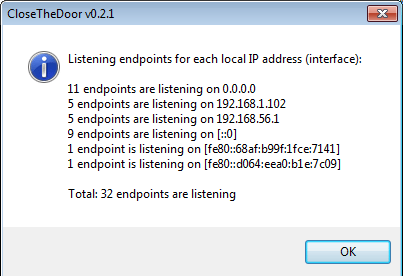
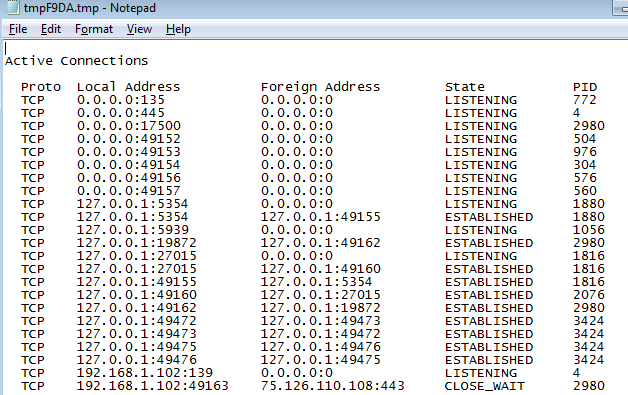
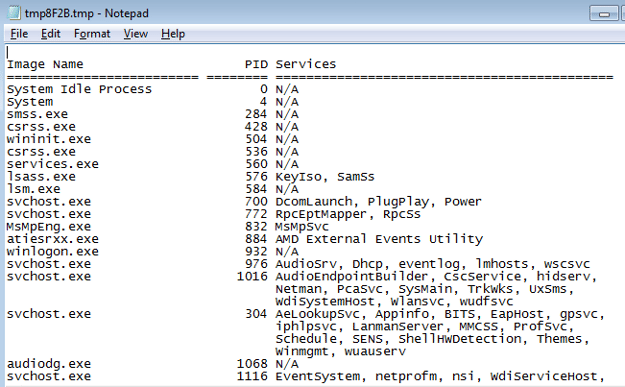
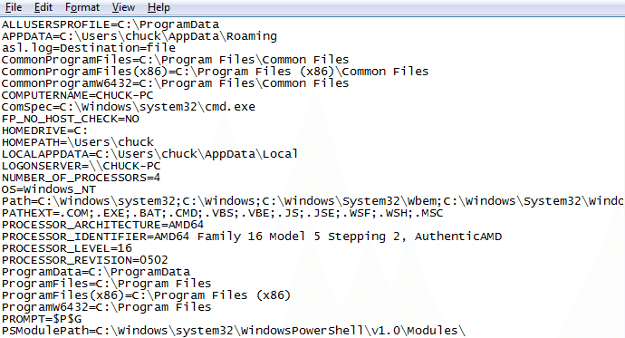
Screenshots
Downloads
Download from Official Site – 128kb
Session expired
Please log in again. The login page will open in a new tab. After logging in you can close it and return to this page.
Awesome little app, Chuck. Very nice find and thanks for recommending it. I have added it to my “toolbox”.
Cheers from Canada!
This all cool until you are working on Server 2008 Server Core. With server Core you are back to a blank screen with a blinking prompt. Want speed, low memory utilization, lots of virtulization for lowest TCO know you commands and programs like netsh and dnscmd! The benefit is once you do, you will be the go-to tech. Down side is not all binaries are supported. MS prints a pocket consultant that is good.